Door compatibility
Confirm material, thickness, mortise preparation and handing before allocating a model.

Review Tuya support for the selected model before quotation; the shortlist also depends on door condition, credential policy and operating responsibility. Selected smart lock models support Tuya routes; confirm the model, firmware and application scope before quotation. For private-label or OEM programmes, add quantity, destination and documentation needs before the review.
For smart locks, mechanical fit and credential governance define the shortlist. Review model functions after the deployment route is clear, then keep door preparation, administration, batteries and support in the project cost.
Confirm material, thickness, mortise preparation and handing before allocating a model.
Map residents, staff, visitors and fallback access to the operating rules for the site.
Define who provisions, withdraws and reviews access after the system is handed over.
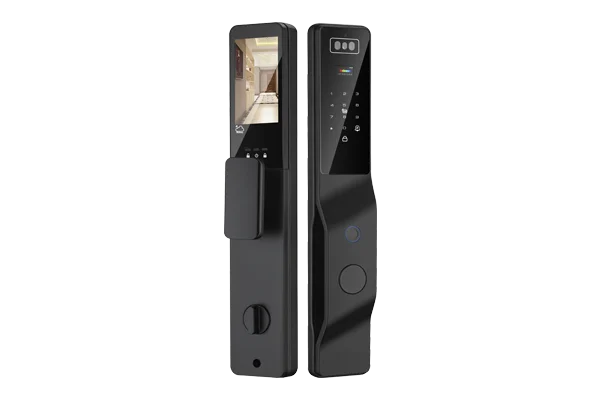
Confirm door preparation, daily access requirements and the preferred administration route.
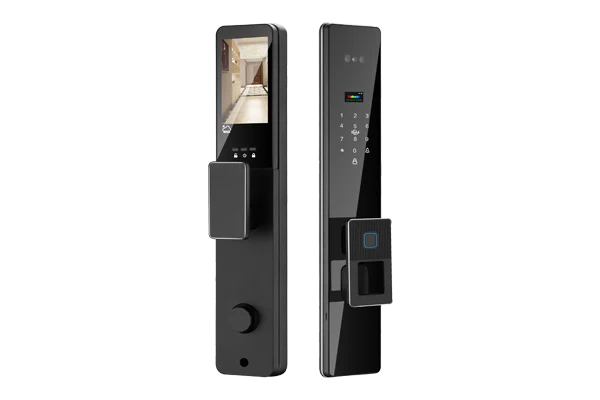
Check door fit, credential requirements and the agreed fallback method.
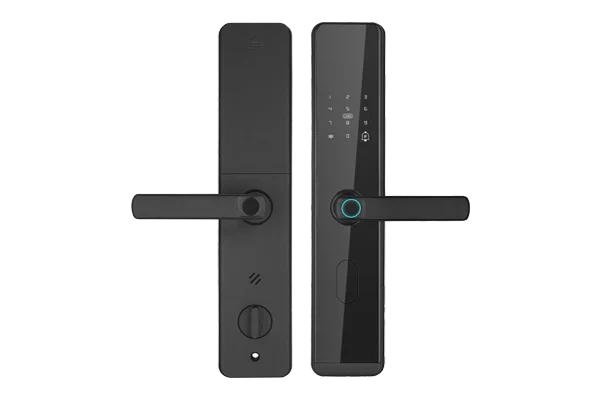
Confirm door preparation, household access and the required fallback credential.
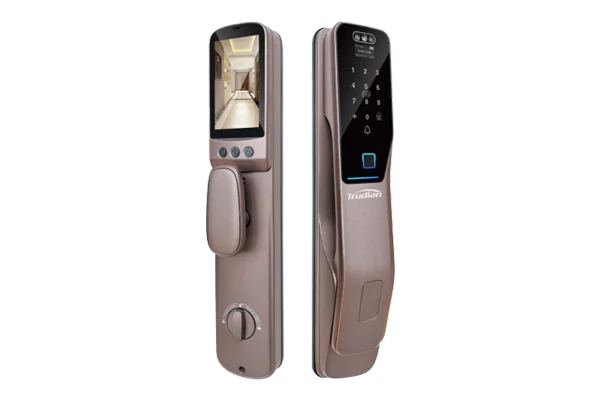
Check mounting, household enrolment and the agreed fallback method.
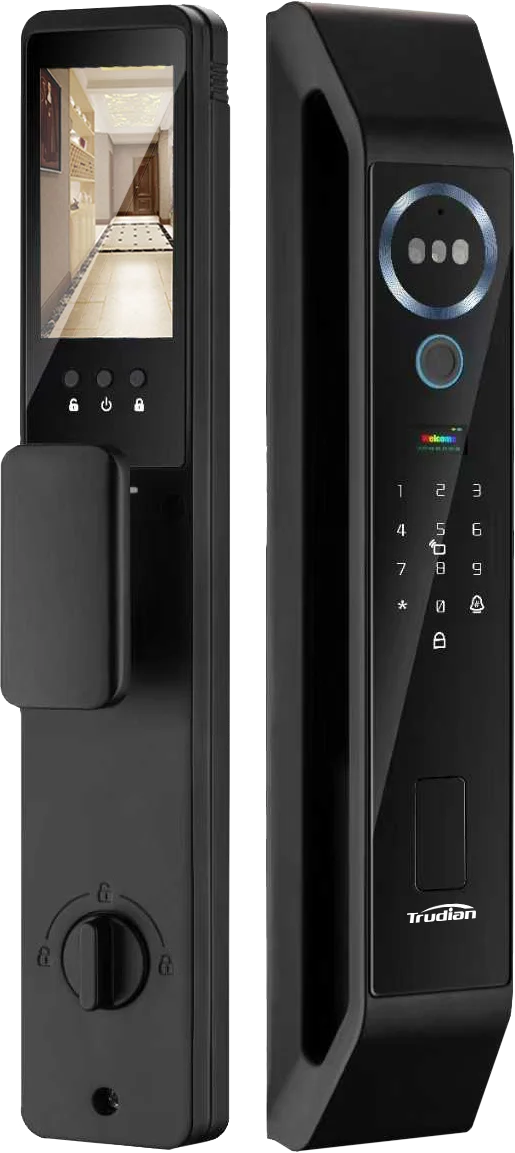
4200 mAh battery, 297 general users, 3 administrators, 2MP night-vision camera and 4.5-inch IPS screen.
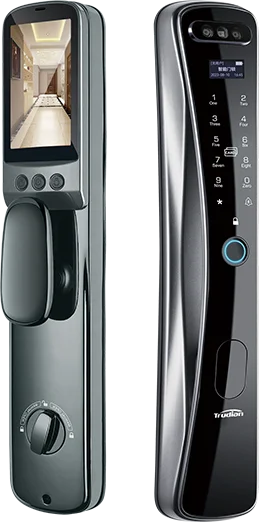
4200 mAh battery, 300 total credentials, 2MP camera, front 0.96-inch OLED and rear 4.5-inch IPS screens.
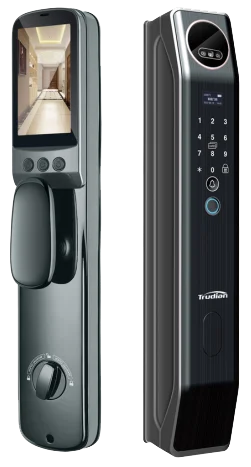
4200 mAh battery, 300 total credentials, 2MP camera, front 0.96-inch OLED and rear 4.5-inch IPS screens.
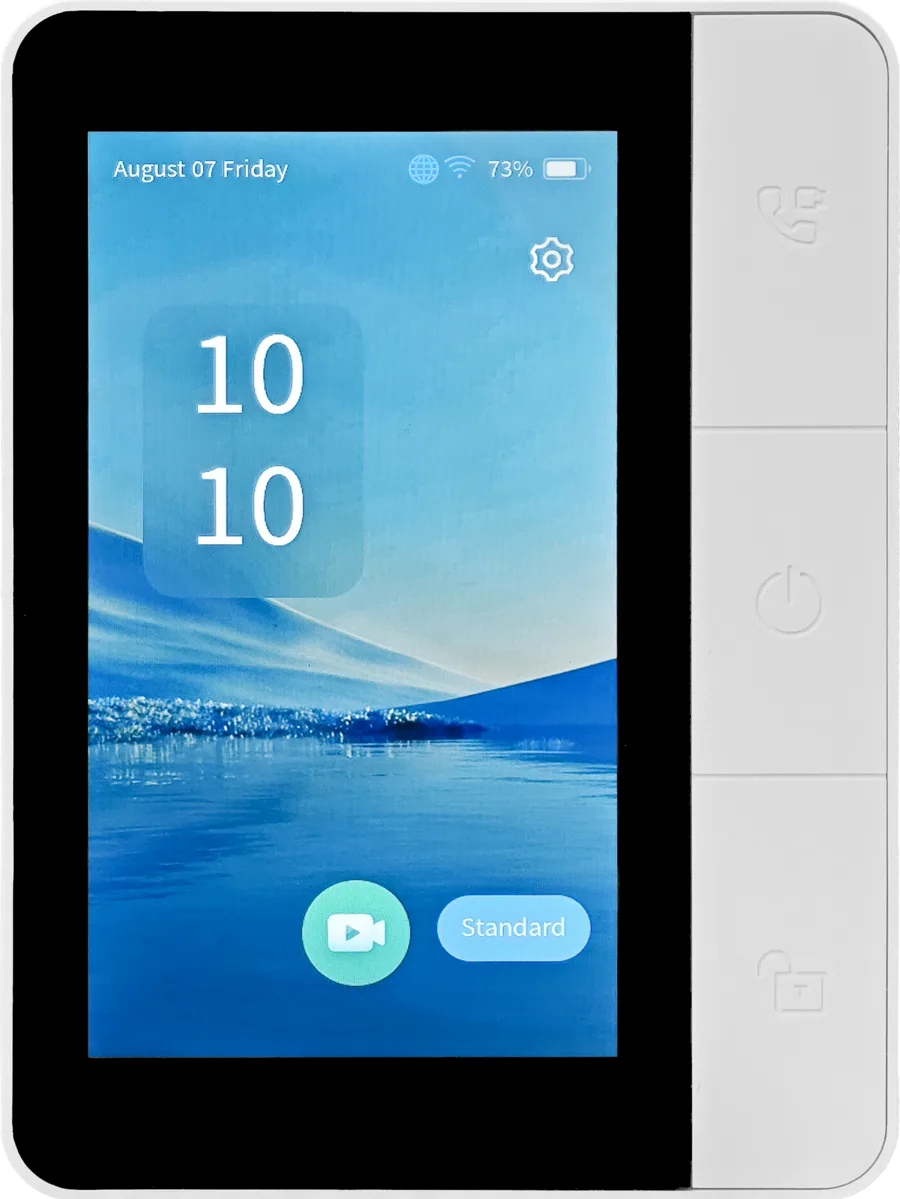
A 4.5-inch indoor display for live monitoring, visual two-way intercom and controlled remote unlock with compatible TD smart locks. Review the lock-and-display pairing boundary before specification.
Use the market route to request the applicable documents for the selected model, revision and firmware. Regional requirements are reviewed against the supplied configuration and importer scope.
FCC Part 15 and any additional product evidence required for the final wireless configuration.
Review the USA market route →Applicable CE, FCC, RoHS or ISO-related documentation is reviewed by selected model, configuration, hardware revision, wireless function, importer role and destination market.
Review the Europe market route →UAE TDRA or Saudi documentation route checked against the destination country and importer requirements.
Review the Middle East route →Confirm the exact model revision, firmware, test reports and Declaration of Conformity before release.
A concise brief makes it easier to shortlist models and price the actual installation. Review the total cost of ownership across door preparation, administration, fallback access, batteries, spare parts and first-line support responsibility.
These answers support an early fit review. Final documentation is assessed against the selected model, door condition and destination. Read the smart-lock sourcing FAQ for the fit and credential checklist.
Provide the door material, thickness, handing, mortise or preparation details, and clear photos of both sides of the opening. This allows mechanical compatibility to be screened before commercial scope is discussed.
Map residents, staff, visitors, contractors and changing occupants to the relevant access moments. The credential mix should support that operating policy and include an agreed fallback route for the site.
Only after door conditions and user flows have been compared. A shared finish does not establish common mechanical preparation or operating requirements across unit, amenity and service doors.
Clarify who provisions, changes and withdraws access, how often users turn over, and what records or external systems are required. Those responsibilities determine the documentation that should be reviewed.
Check them before final quotation or specification. Share the destination market and requested documents so the relevant product-specific package can be reviewed.
Identify the door material, thickness, handing, backset, existing preparation, lock case or cylinder profile and required latch or bolt behaviour. Mortise locks, deadbolts and Euro-profile solutions are not interchangeable. Use dimensioned drawings and door photos, then approve a sample fit before allocating a model across a project or wholesale programme. Review the door-fit checklist →
Measure the stile width, door thickness, backset, available internal clearance, lock preparation and handle movement. Confirm the mortise, fasteners, cable route and weather exposure with a dimensioned drawing. Narrow profiles leave little tolerance, so a physical sample or approved fit test should precede volume ordering or project-wide specification. Review the narrow-stile checklist →
Compare the credential workflow rather than selecting one feature in isolation. Review enrollment, revocation, fallback access, template or card storage, PIN policy, user capacity, audit needs and administrator responsibility. Test representative users and credentials on the exact model, and confirm how access continues during battery, network or platform failures. Review the credential comparison →
Bluetooth normally supports nearby phone-to-lock communication, while Wi-Fi may provide direct or gateway-based remote connectivity. The practical difference depends on the model and platform. Review battery impact, gateway needs, offline access, remote administration, security, data flow and subscription terms before choosing a connection method. Review the connectivity comparison →
Start with occupant turnover, door types, credential issue and withdrawal, staff and contractor access, audit requirements and offline procedures. Confirm whether one platform can administer the proposed properties and who owns daily support. Sample representative doors and test move-in, move-out, lost-credential and emergency workflows before committing to volume supply. Review the property-management checklist →
Use the documented emergency access route for the selected lock, such as its approved backup credential or external-power procedure, rather than forcing the door. Replace the batteries as a set and check latch movement before leaving the site. High temperature and frequent use can shorten replacement intervals, so property teams should define a low-battery inspection and escalation process. Review the battery fallback guidance →
Separate account, phone, network, application-version and lock-connectivity checks before resetting the lock. Confirm that the phone has the required connection and permissions, then compare the installed application and lock software versions with the supported release path. Preserve access records and administrator credentials before any reset. A failed sync does not automatically mean that the lock mechanism has failed. Open the app troubleshooting checklist →
Check signal strength at the installed door, router settings, network credentials, wall construction and the selected lock's supported connection method. Dense concrete, metalwork and distance can reduce the usable signal even when a phone connects nearby. Test the lock at the final door position, not only beside the router, and confirm the required network design before installation. Open the Wi-Fi troubleshooting checklist →
Send the door condition, access policy and destination market. These inputs frame the next technical and commercial discussion.
A smart-lock access-control connection is reviewed as a named lock, credential method, user-permission source and event path. The project brief should distinguish an app feature from a controlled door workflow, and confirm whether the required action is local, cloud-assisted or linked to an access controller.