Single villa
Define the gate, front door, indoor response points and the lock or controller interface before equipment selection.

Trudian manufactures video intercom systems for villa gates, entrance doors and gated developments. Configure the outdoor station, indoor monitor and release interface around the actual doors, wiring and network conditions.
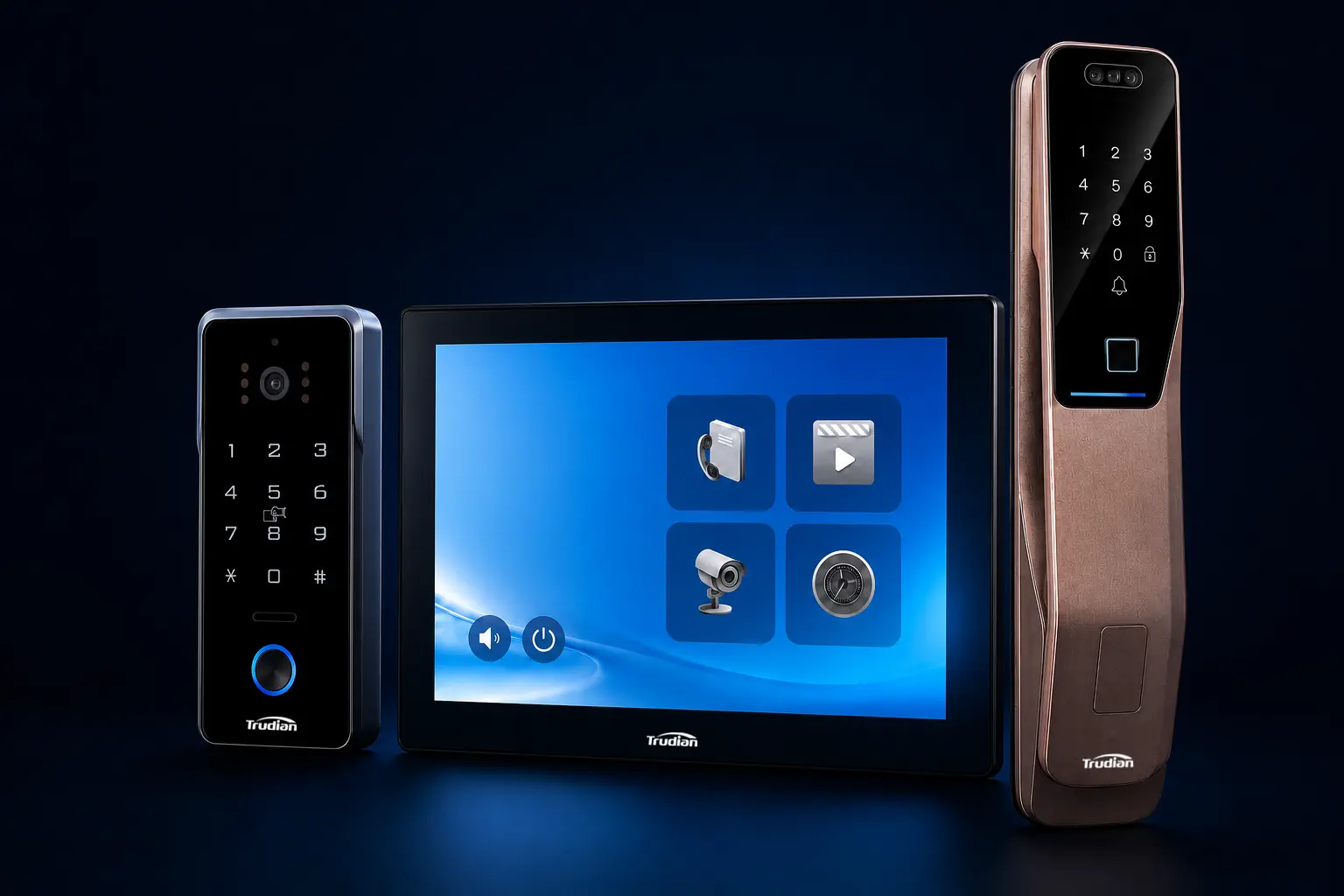
Assign a device, release method and operating owner to every entrance before finalising the equipment schedule.
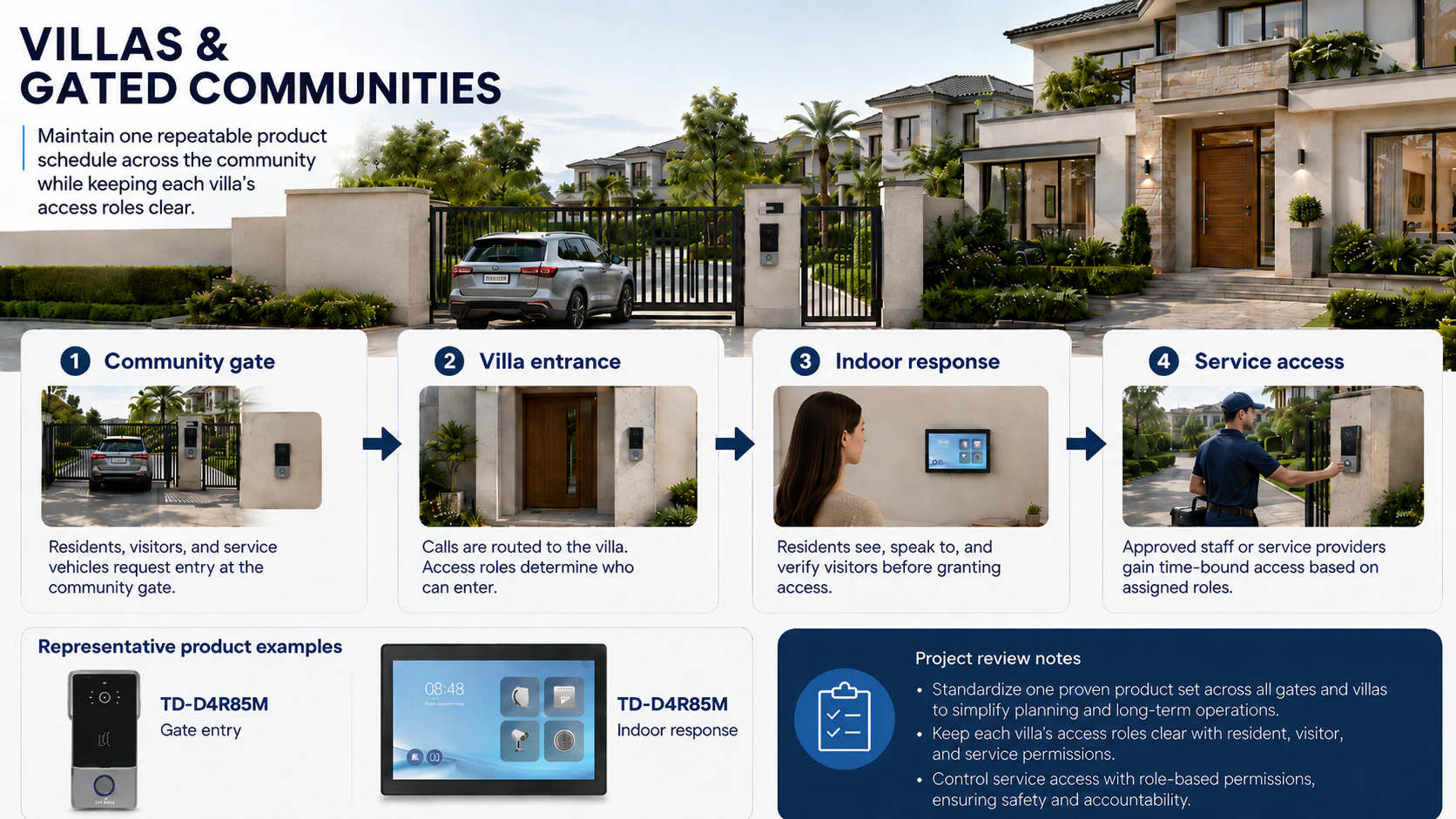
List every vehicle gate, pedestrian gate, villa door and indoor answer point. The schedule should then identify the selected device, mounting condition, power source, network path and release method for each location.
Define the gate, front door, indoor response points and the lock or controller interface before equipment selection.
Use standard equipment at common entrances, then record the required device mix and access authority for every villa.
Confirm camera angle, call-button layout, mounting height, panel finish and exposure to sun, rain or dust at each entrance.
Set the monitor locations, call routes and answer points required by the villa layout and resident operating routine.
Choose PoE, Wi-Fi or a wired topology from the cable route, switch capacity, signal coverage and power availability at the door.
Identify every lock, electric strike, magnetic lock or gate controller to be operated, together with its control input and release authority.
Define where calls are answered, whether mobile response is required and which visitor events need to be retained.
Record required links to access control, smart locks, gates or home-control systems, then verify them against the selected models.
Relay release, controller input and smart-lock connection are different engineering cases. Identify the method at each door, then confirm the interface and operating requirements for the selected configuration.
For an electric strike, magnetic lock or gate input, confirm the contact rating, voltage, timing and fail-safe or fail-secure requirement at the door.
Video intercom access interfacesFor a smart-lock connection, verify the command path, user permissions, response state and required behaviour during network or service interruption.
Intercom-to-smart-lock connectionIndoor monitor and mobile release can be configured as separate authorised routes. Define user roles, command expiry, failure handling and required event records.
Connection engineering guideFor every shared and private entrance, record the device, network connection, release method and responsible user group. This schedule is the basis for quantities, technical review and phased delivery.
Project: Individual villa, compound or gated residential development
Entrances: Perimeter gate, pedestrian gate and individual villa door
System: Outdoor station, indoor monitor, network and release interface
RFQ inputs: Drawings, quantities, door schedule and destination market
A typical scope includes an outdoor station at the gate or entrance door, indoor monitor locations and a release interface for each controlled door. Mobile answering, gate control and smart-lock connection are added only where the selected configuration supports them.
PoE is suited to fixed door locations where Ethernet cabling and switch capacity are planned. Wi-Fi may suit a location with a stable signal and available power. Confirm cable route, switch power budget, signal coverage and power conditions before selecting a model.
Yes. Common entrances can use a standard device configuration, while each villa receives the required outdoor station, indoor monitor and release interface. The device schedule should distinguish shared infrastructure from each residence.
Provide the existing device references, available interfaces and required operation at each handover point. The connection method and compatibility are confirmed for the selected models before they are included in the project scope.
Treat each entrance as a separate location in the door schedule. Record the outdoor station, mounting position, network connection, release interface and the users authorised to operate it.
Send the door schedule, quantities, drawings or entrance photographs, cable and network conditions, destination market and target delivery date. Include the required lock, gate or access-control interfaces where applicable.
Confirm the selected models and destination market first. Then request the relevant datasheets, installation information, interface details and market-specific compliance documents for the project approval process.
Yes, for a named combination of intercom, smart lock, firmware and authorisation route. Confirm the command path and test the selected configuration before it is included in the quotation.
No. A relay operates an electric strike, magnetic lock or gate-controller input. smart-lock connection can also require authenticated commands, permissions, lock feedback and event records through a documented interface.
They can be separate authorised routes when supported by the selected hardware and software. Define the user role, permission, command expiry, failure handling and required event record for each route.
For a gated development, define who manages visitor approval at the perimeter, who controls each villa door and how service access is issued or withdrawn. Record these roles with the door schedule so the system configuration follows the operating model.